jekyll-social-share
Social sharing buttons for Jekyll — 18 platforms, inline SVG icons from Simple Icons, no external dependencies.
jekyll-social-share adds a {% social_share %} Liquid tag that renders share buttons for 18 platforms with inline SVG icons — no Font Awesome, no CDN, no external dependencies required.
Demo
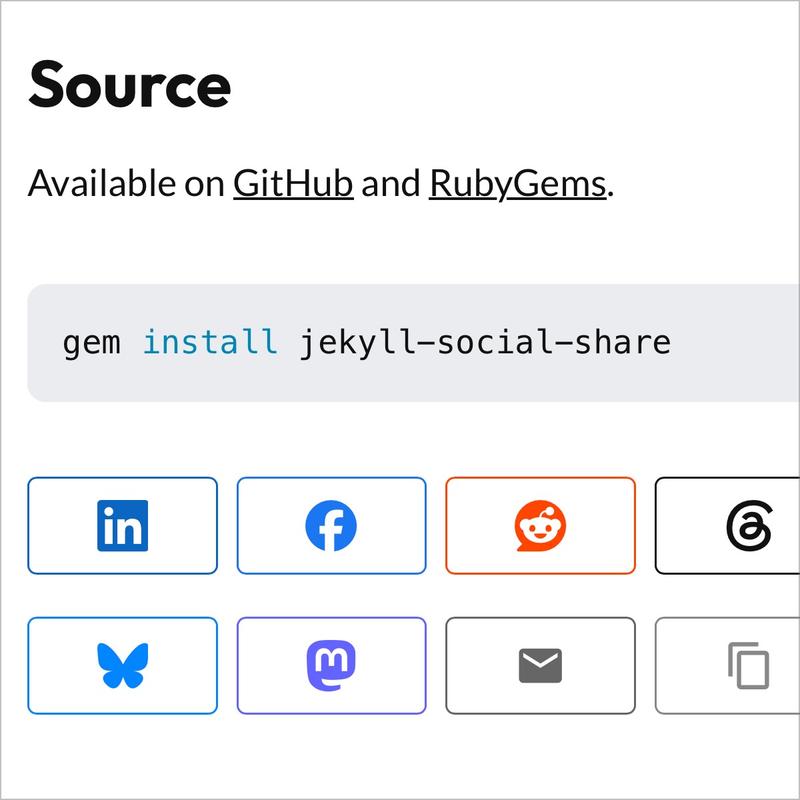
Share this page:
How It Works
The plugin renders a <div class="social-share"> block with brand-colored buttons. Icons are sourced from Simple Icons (CC0 licensed) and inlined directly into the HTML output, so they work on any Jekyll site regardless of what icon library (if any) you use.
Installation
# Gemfile
gem "jekyll-social-share"
# _config.yml
plugins:
  - jekyll-social-share
Usage
{% social_share %}
Override per-use
{% social_share services="bluesky,linkedin,email" %}
{% social_share title="Custom share text" %}
{% social_share label="Spread the word" %}
{% social_share icon_only="true" %}
Suppress on a specific page
share: false
Configuration
All options go under social_share: in _config.yml:
social_share:
  services:
    - linkedin
    - facebook
    - reddit
    - threads
    - x
    - bluesky
    - mastodon
    - whatsapp
    - telegram
    - email
    - copy
    - hackernews
    - pinterest
    - pocket
    - tumblr
    - flipboard
    - line
    - print
  mastodon_instance: "https://toot.kytha.dev"  # relay or your own instance
  label: "Share"       # section heading; set to false to hide
  icon_only: false     # show icons only, text in sr-only span
  text_only: false     # show text labels only, no SVG icons
Sort Order
The order of services in the services: array determines the order buttons appear on your site. Rearrange them to match your preference:
social_share:
  services:
    - linkedin
    - facebook
    - x
    - bluesky
    - email
    - copy
This displays buttons in exactly that order: LinkedIn, Facebook, X, Bluesky, Email, Copy.
Services
| Key | Platform | Notes |
|---|---|---|
linkedin |
Share offsite | |
facebook |
Share dialog | |
reddit |
Submit link | |
threads |
Threads | Post intent |
x |
X (Twitter) | Tweet intent |
bluesky |
Bluesky | Compose intent |
mastodon |
Mastodon | Via configurable relay |
whatsapp |
Send to contact | |
telegram |
Telegram | Send to chat |
email |
mailto link | |
copy |
— | Copy to clipboard |
hackernews |
Hacker News | Submit link |
pinterest |
Pin it | |
pocket |
Save for later | |
tumblr |
Tumblr | Share to blog |
flipboard |
Add to Flipboard | |
line |
LINE | Send message |
print |
— | Print page |
Mastodon
Mastodon has no universal share URL. The default relay (toot.kytta.dev) prompts users to enter their instance. Set mastodon_instance to your own instance to skip the picker.
Styling
The plugin outputs unstyled semantic HTML with BEM classes. Style it to match your theme:
.social-share              — wrapper div
.social-share__label       — heading span
.social-share__list        — <ul> of buttons
.social-share__item--{svc} — per-service modifier
.social-share__link        — <a> or <button>
.social-share__icon        — SVG wrapper
.social-share__text        — text label
.social-share__copy--copied — added briefly after successful copy
Source
Available on GitHub and RubyGems.
gem install jekyll-social-share

jekyll-webmentions-static
jekyll-before-after